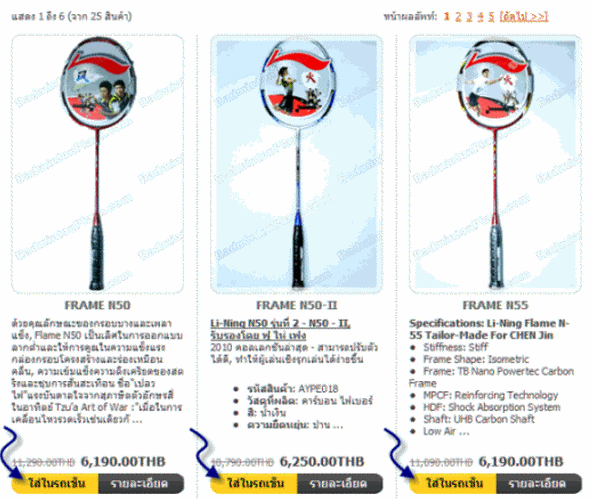
Select the products you need. Then Add to Cart. (see below).
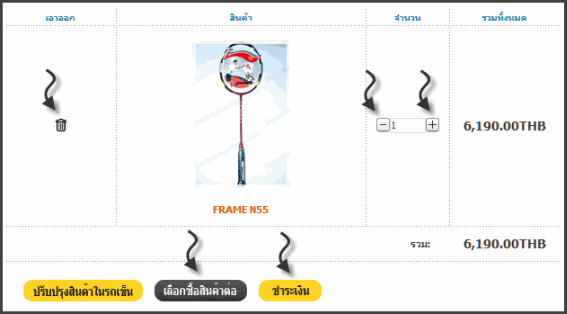
The system will calculate the total price in basket
To Continue Shopping, press "continue shopping".
If you want to remove the product from the basket click on the button next to select products.
To increase the number of products to click on the button To reduce the number of items down to click on the button Or enter a number of products required in the back of the box product (number).
To pay bills, press "Checkout".
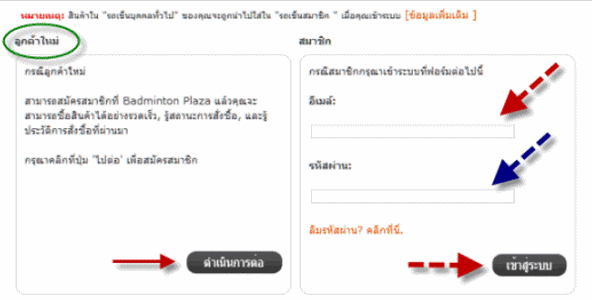
If you are not our customers. You will need to register first. The selection of the "New Customer" Cool Edit and press the "Continue" (picture below).
If you have registered with us, enter your registered e-mail address and password correctly and press "Login".
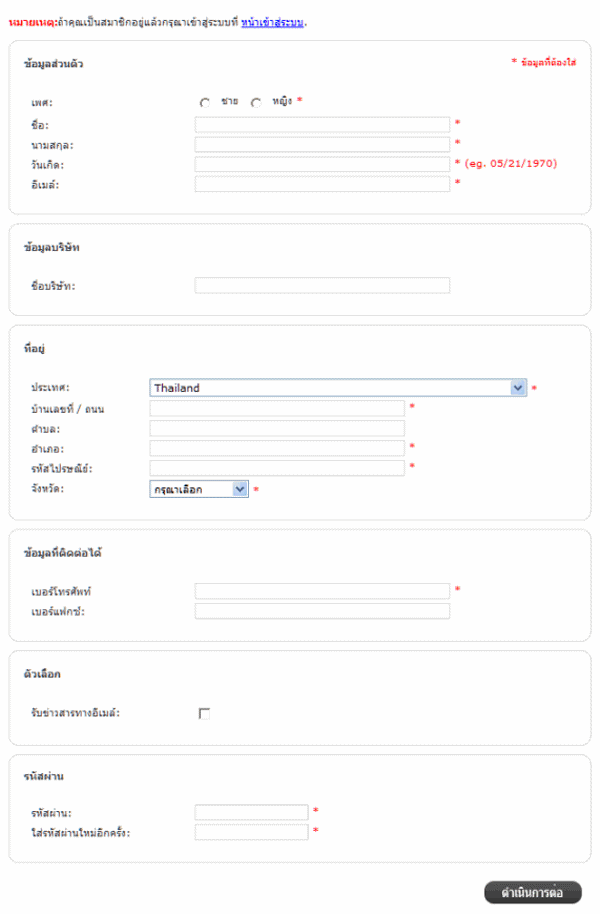
Registration you will need to enter your information to complete the required fields. The fields marked with an asterisk (* important information is optional) when input has been reached, press "Continue".
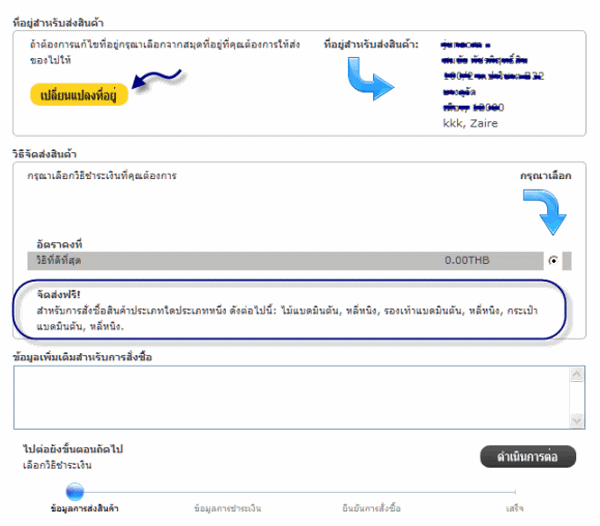
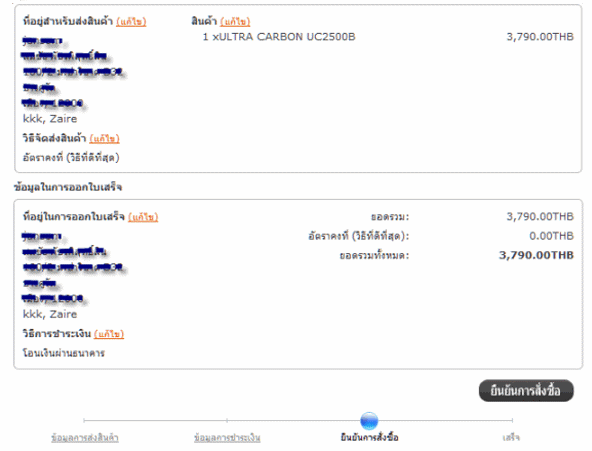
Check the information and shipping address. If incorrect Can be solved by pressing the button "Change Address".
For delivery. If there are promotions on shipping. The store will let you know on this page.
You can enter data for additional shipments in the "Add Comments About Your Order" then click "Continue".
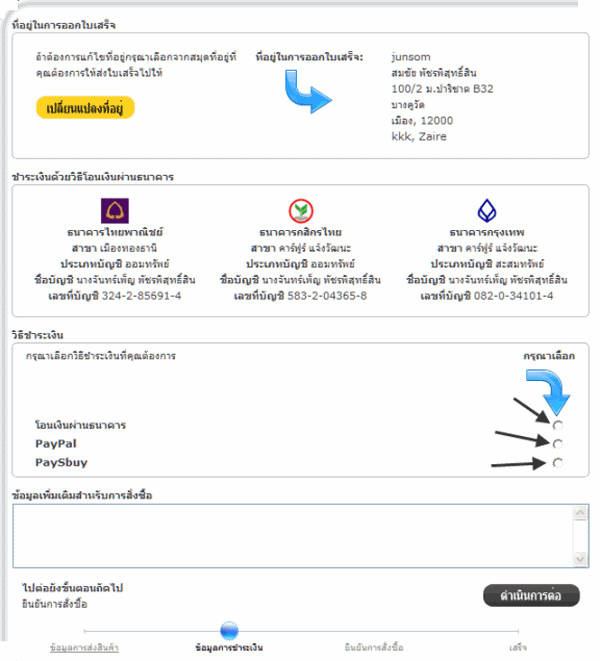
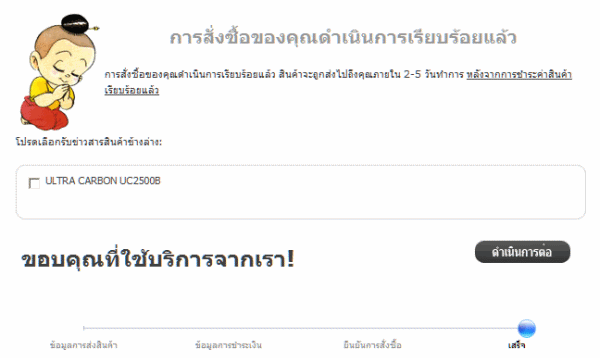
Then you select the payment method Shopping channel for which channel, which is one of three channels were.






 next to select products.
 To reduce the number of items down to click on the button
  Or enter a number of products required in the back of the box product (number).